Affiliate Disclosure: We earn commission through affiliate links at no cost to you.
CrushOn AI Download: Install on Any Device in 5 Minutes
Getting CrushOn AI running takes five minutes on any device. Android users have two installation paths. iPhone users in most regions use the web version. Desktop users access the full platform in any browser.
No credit card needed. No download required for web access.
Our full platform review covers what you will find once you're set up.
Android: Google Play Store (Fastest Method)

- Open Google Play Store
- Search: "CrushOn AI"
- Select the official app — publisher: Peekaboo Tech Inc.
- Tap Install
- Open after installation
Requirement: Android 5.0 or higher.
Note: Available in most countries. If your region lacks the Play Store listing, use the APK method below.
Android: APK Installation (Direct Download)
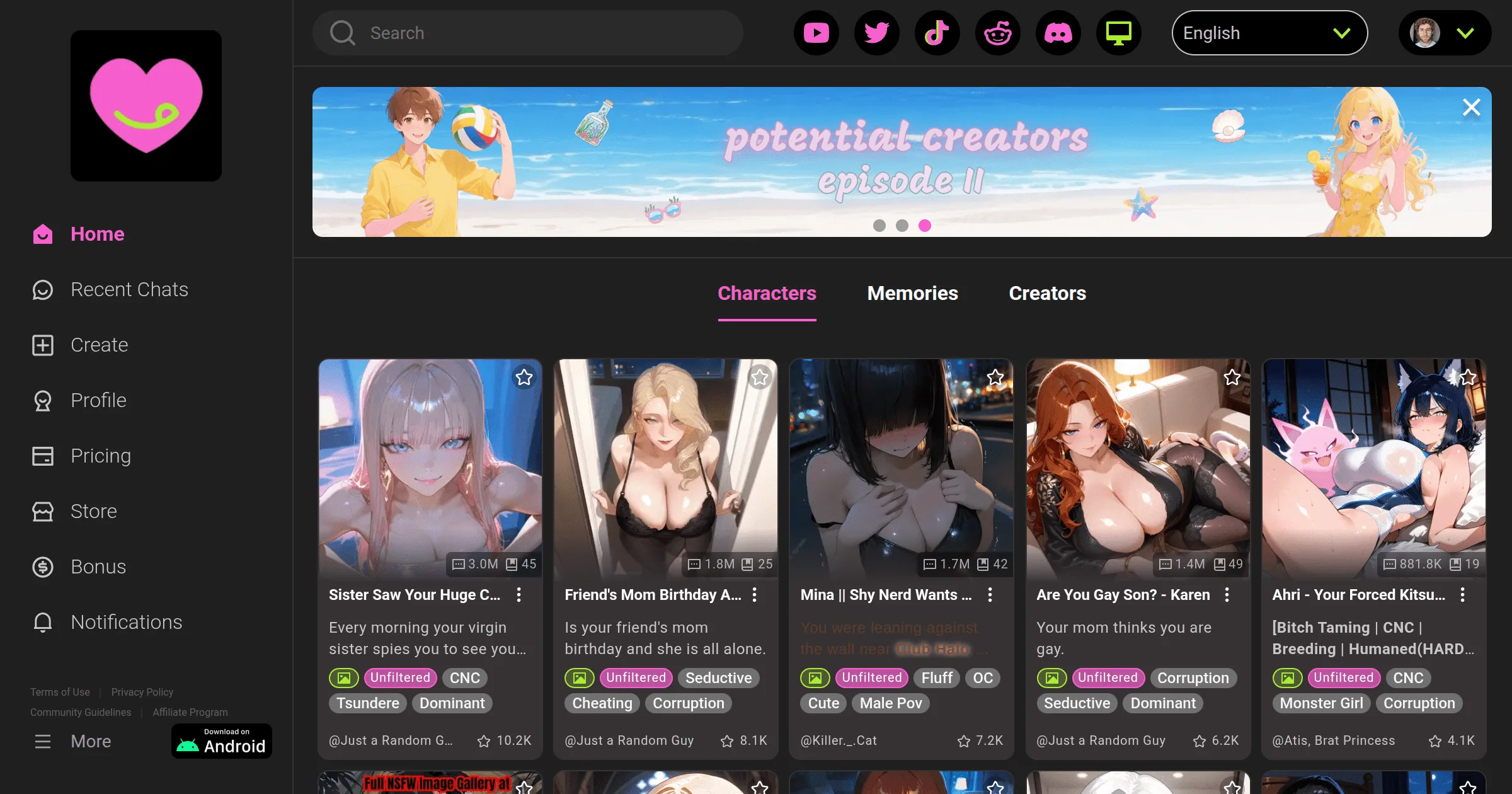
Use this if the Play Store listing is unavailable in your region, or if you prefer direct installation.
Enable unknown sources first:
- Settings > Security (or Settings > Apps > Special App Access > Install Unknown Apps)
- Enable "Install from unknown sources" for your browser app
Download and install:
- Open your mobile browser, go to crushon.ai
- Find the download section, download the official APK
- Open the downloaded file from your Downloads folder or notification
- Follow installation prompts
Only use the official APK from crushon.ai. Third-party APK sites are not official sources.
iPhone: Web Access via Safari (Recommended)
CrushOn AI's iOS App Store availability varies by region. Apple's content policies have led to regional removals. For most iPhone users, the web version is the practical access method.
iPhone web setup:
- Open Safari
- Navigate to crushon.ai
- Log in or create account
- Optional: Add to Home Screen for app-like access:
- Tap the Share icon (square with arrow)
- Select "Add to Home Screen"
- Name the shortcut and add
The web version provides full feature parity with the mobile app — character library, image generation, voice messages (Premium+), model selection, everything.
If the iOS app is available in your App Store:
- Search "CrushOn AI" in App Store
- Download and install
- iOS 14 or higher required
Web Browser Access (All Devices)
No installation needed. Works on any device.
- Open Chrome, Firefox, Safari, or Edge
- Go to crushon.ai
- Create account or log in
Full feature access. Same capabilities as the mobile app. Preferred by desktop users.
Creating Your Account
Required for all access methods:
Email registration:
- Enter email address
- Choose password
- Confirm 18+ age (self-reported)
- Verify via email confirmation link
Google login:
- Click "Continue with Google"
- Authorize connection
- Confirm 18+ age
No credit card required. Free accounts activate immediately after email verification.
App vs. Web Comparison
| Feature | Android App | Web Browser |
|---|---|---|
| Push notifications | Yes | No |
| Needs installation | Yes | No |
| Desktop use | No | Yes |
| iOS availability | N/A | Universal |
| Android availability | Most regions | Universal |
| All features | Yes | Yes |
Both provide complete feature access. The difference is convenience, not capability.
Troubleshooting
App not found in Play Store: Use the APK from crushon.ai, or use the web version.
App not found in App Store: Use Safari web access. Full features are available.
App crashes: Update to the latest version. If still crashing: clear app cache (Settings > Apps > CrushOn AI > Storage > Clear Cache), restart device, or uninstall and reinstall. Account data is server-stored — reinstalling preserves your characters and history.
Can't log in: Confirm your login method (Google login vs. email/password — these are separate). Use password reset for email accounts. Clear site cookies for crush.ai if login loops occur.
For ongoing platform issues, see our troubleshooting guide.
Frequently Asked Questions
Yes. The web version at crushon.ai works in any modern browser with no installation. It provides the same features as the mobile app.
Yes, when downloaded from the official crushon.ai website only. It is the same application as the Google Play version. Do not download APK files from third-party sites.
Apple's content policies restrict explicit adult content apps. CrushOn AI's NSFW features have resulted in removal from some regional App Stores. iPhone users in affected regions should use crushon.ai in Safari.
Yes. Access crushon.ai in any desktop browser — Chrome, Firefox, Edge, or Safari. No desktop application exists; the web version serves desktop users.
Android 5.0 (Lollipop) minimum. Best performance on Android 8.0 or higher.
Account data is cloud-based. You can access your account on multiple devices, but simultaneous active sessions may have limitations — check current terms for multi-device policy specifics.